
Problem
When attempting to connect to the Shinydrive Server via the Shinydrive Client, you are presented with the error: Object must be a root directory ("C:\") or a drive letter ("C")
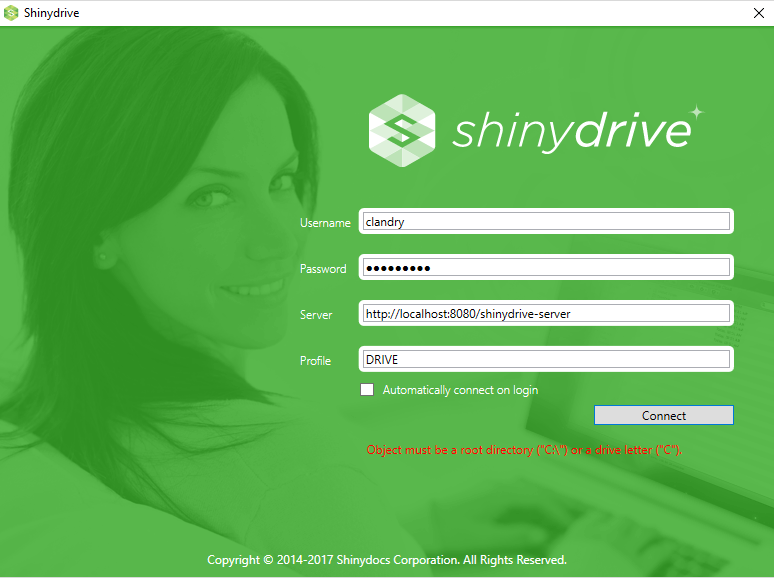
This error will appear if you are using the CacheDirectory registry key to change the location of the Shinydrive Client cache, but have not given the path a drive letter.
SolutionAdd the drive letter to the path you have set in the Windows Registry:
[!NOTE]
- Shut down the Shinydrive Client.
- Open Windows Registry (Press the Windows and R keys simultaneously to open the Run window then enter regedit).
- Navigate to
HKEY_CURRENT_USER\Software\shinydrive- Find the string you entered with the name "CacheDirectory"
- Add the drive letter at the front of the path for where this directory is located (ex. C:\ or D:\). It should look similar to:
- Start the Shinydrive Client and try to connect, this error should not appear anymore and your cache will now be in the location you have indicated

[!NOTE] To learn how to set up a CacheDirectory by reading Specifying an Alternate Drive Location for the Shinydrive Cache.