
Enabling server-side file cache may increase download speeds for users and reduce the load on your Content Source. Enabling this option will expand the panel, allowing you to specify the location of the File Cache.
Log into Shinydrive Admin
Navigate to GENERAL SETTINGS
Enable File Cache
Enter the FILE CACHE LOCATION
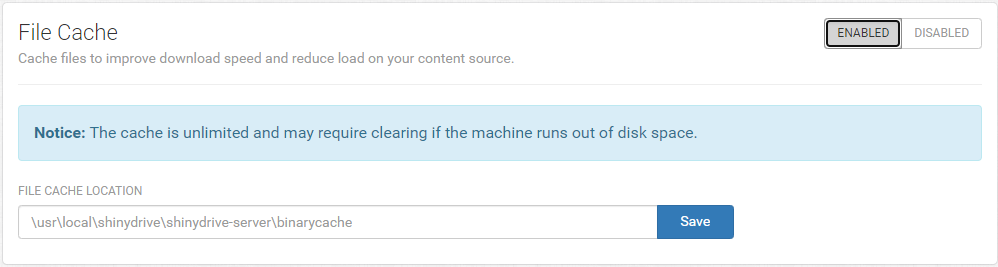
Save
Do not set the cache to a network location. It must be set to a local location on the server.